As I mentioned in Gemini’s URL Context feature is 90% hype, 10% value, I was pretty disappointed with Gemini’s “URL Context” feature. But “Video Understanding”? That one actually works like a charm.
How it works:
👉 Provide a YouTube video link
👉 Ask Gemini questions about the video
👉 Get a structured response back
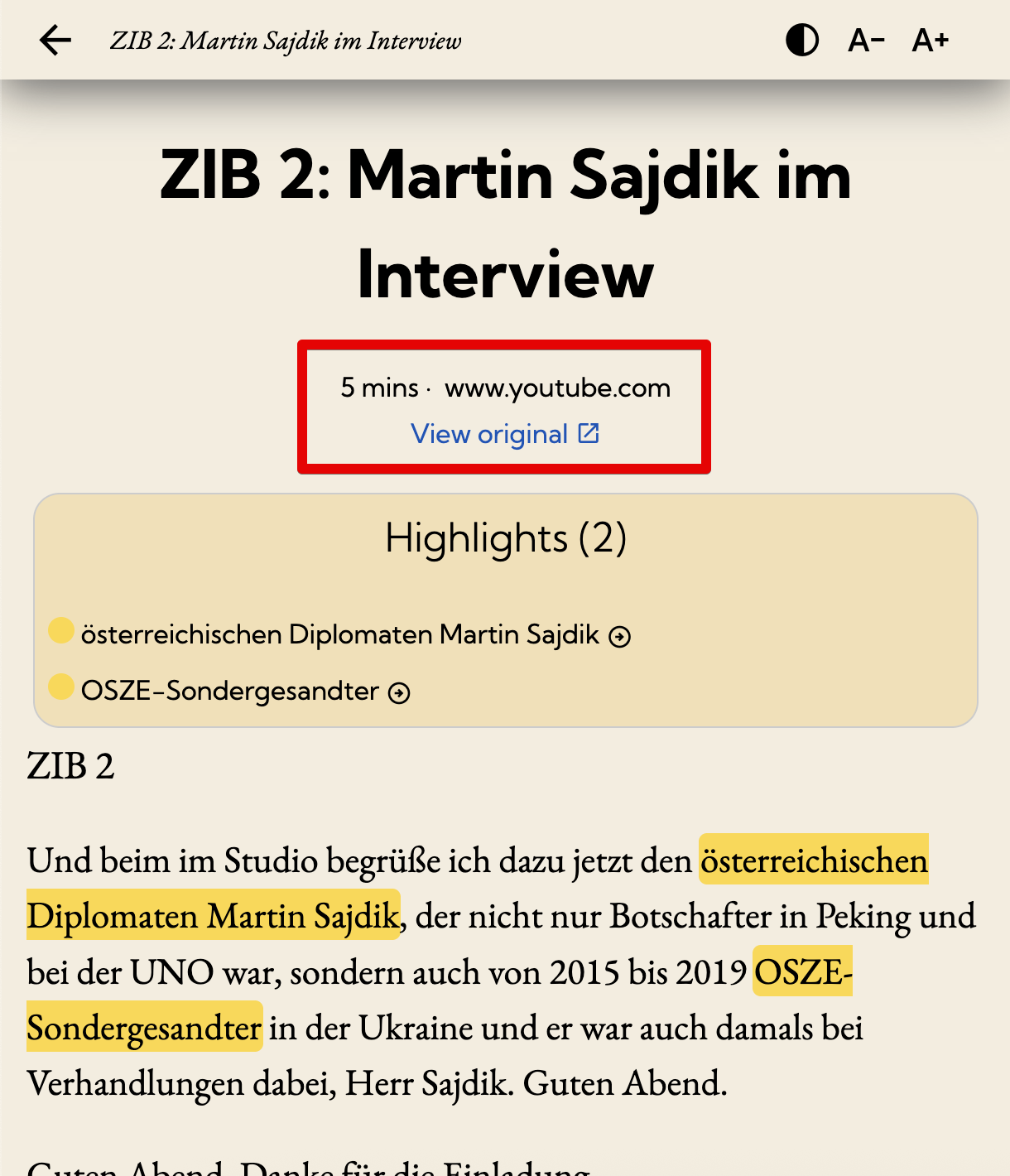
For poketto.me, this unlocks a really neat feature: users can save any YouTube video in the app and either watch it later or read a textual description of the video.
Here’s the prompt I’m currently using:
“Transcribe this video. Transcribe the spoken audio and verbally describe what the viewer would see. Provide your response in Markdown format. If applicable, use Markdown headings and subheadings to structure your response according to the individual sections of the video. Don’t include timestamps. Only respond with the transcription—don’t repeat the prompt or add explanations.”
Example: A full-length ZIB2 interview saved in poketto.me as a structured transcript: https://app.poketto.me/#/shared/MSVh8Q0
Two caveats:
💰 Pricing: Right now, Google doesn’t charge input/output tokens for YouTube video processing. But eventually, they will.
🤯 Consistency: Running the same video with the same prompt can yield very different results. Sometimes you’ll get speaker names formatted in Markdown; other times, just plain text. For my use case, that’s “good enough,” but for more serious tasks, this might be a no-go.
Still, compared to my experience with URL Context, this feels like a big step forward.