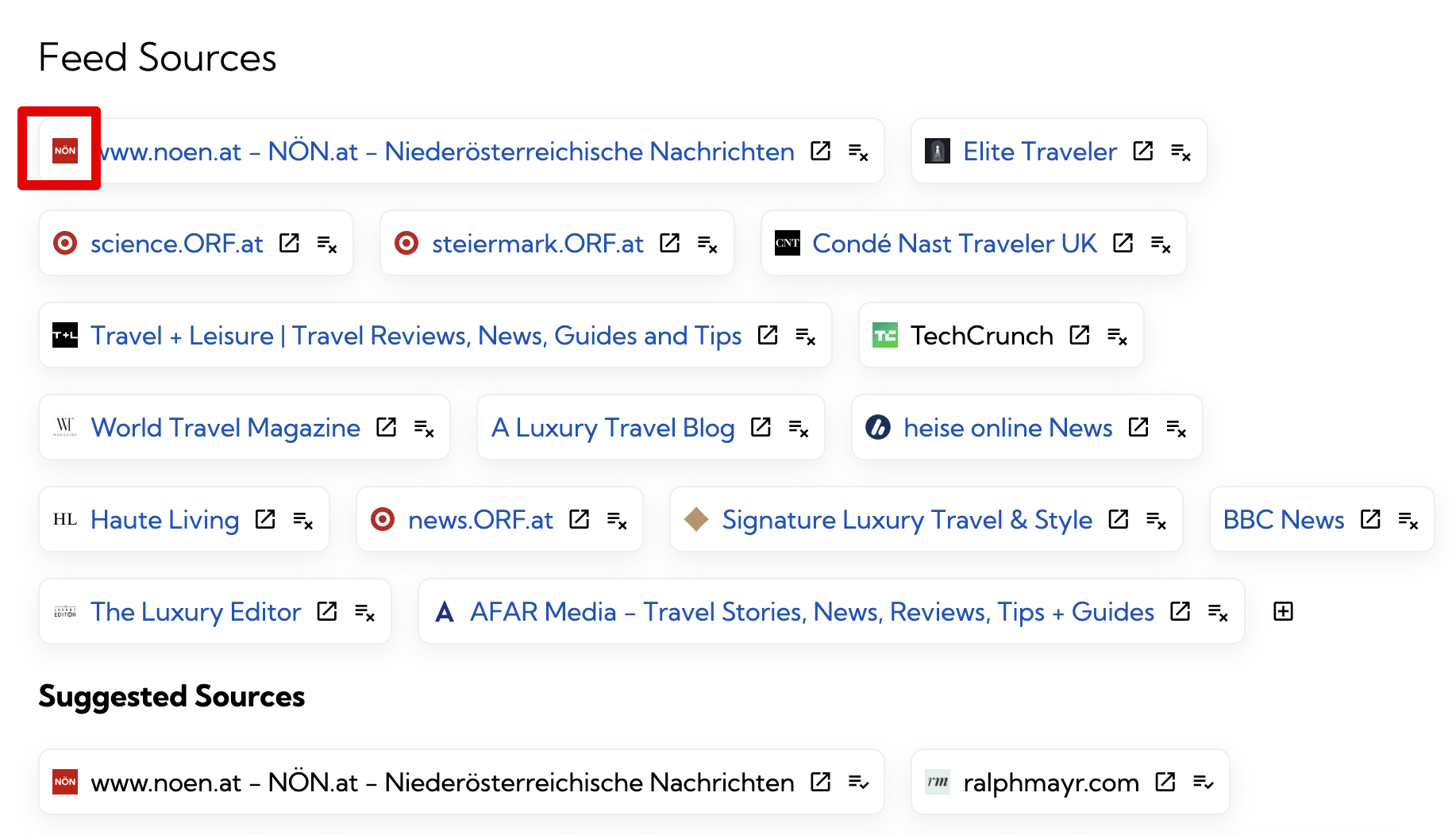
A favicon is that tiny icon you see next to a site name in your browser tab or bookmarks bar. It's one of those small UX elements that quietly plays a big role in how we recognize and visually differentiate websites.
In poketto.me, I wanted to bring favicons into play for a couple of UI elements—particularly when managing your saved news sources. Seeing a little logo beside each source makes skimming, scanning, and organizing much more intuitive than reading domain names alone.
But here’s the thing: there’s no clean, standardized way to get a website’s favicon. And that surprised me more than it should have.
So… how do you fetch the favicon for a given webpage?
There’s no universal API, and there’s no HTML spec that guarantees every site will expose one in the same way. But, with a few heuristics, you can cover a decent chunk of cases:
Many modern pages include one or more <link> tags referencing the favicon. These might look like:
<link rel="icon" href="/favicon.ico" type="image/x-icon">
<link rel="icon" href="/favicon.png" type="image/png">
<link rel="shortcut icon" href="/favicon.ico">
<link rel="apple-touch-icon" href="/apple-touch-icon.png">
These links may point to:
Relative URLs (e.g., /apple-touch-icon.png)
Full URLs (e.g., https://example.com/favicon.ico)
Fallback to the root location:
If all else fails, you can usually try fetching the default:
https://example.com/favicon.ico
- This still works for many legacy and static sites.
What makes this tricky?
No guarantees: Not all sites include the <link rel="icon"> tag. Some modern web apps skip it entirely or load it dynamically.
Multiple icons: Sites often provide several icons for different platforms (e.g., iOS touch icons, pinned Safari tabs, etc.).
Different file formats: Favicons can be .ico, .png, .svg, or even served through unusual formats or scripts.
Redirects and permissions: Some icons require cookies or auth headers to fetch. Others redirect through CDNs.
Size and quality: Some icons are tiny and pixelated; others are high-res logos. Picking the "right" one automatically is non-trivial.
So, what’s my solution in poketto.me?
Right now, I’ve implemented a best-effort approach:
Parse the original page’s HTML to look for known <link> patterns.
If none found, try /favicon.ico at the domain root.
Prefer png over ico when both are available.
It's not bulletproof—but it works well enough for most mainstream websites.