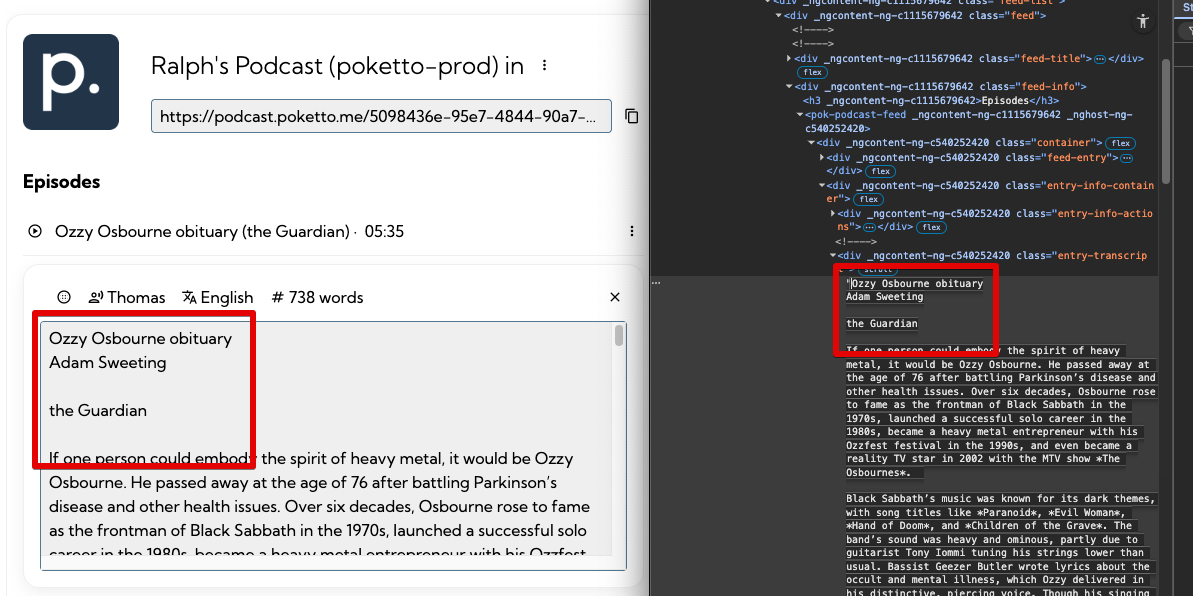
This one’s a pretty common hassle: You’ve got text with line breaks (encoded as \n or sometimes \r\n — thanks, Microsoft!), but when rendering that text on a webpage, those line breaks are nowhere to be seen. Naturally, browsers collapse ‘source’ line breaks and ignore them.
The usual reaction? Reach for an nl2br utility — like nl2br-pipe—to manually replace \n with <br /> tags. It’s a well-known workaround in web dev.
But here’s the thing—and I’m slightly embarrassed to admit I didn’t know this for way too long: Most often, you don’t need a special pipe or utility at all.
Instead, just wrap your text in a <div> or <p> and apply the CSS property white-space, set to one of the following:
pre → Preserves whitespace and line breaks exactly as in the source.
pre-wrap → Same as pre, but text wraps when needed.
pre-line → Collapses multiple spaces but preserves line breaks.
That’s it. Line breaks will render wherever there’s a \n. If you also want to preserve multiple consecutive whitespace characters (e.g., indentation in code blocks), use pre-wrap or pre. Or, of course, you could go full <pre> tag — though that’s a bit less flexible from a styling/layout perspective.
Sometimes the simplest things are the easiest to overlook.